

Drive Smarter with Mazda 3 Android Auto | GPS, Music & Voice Control

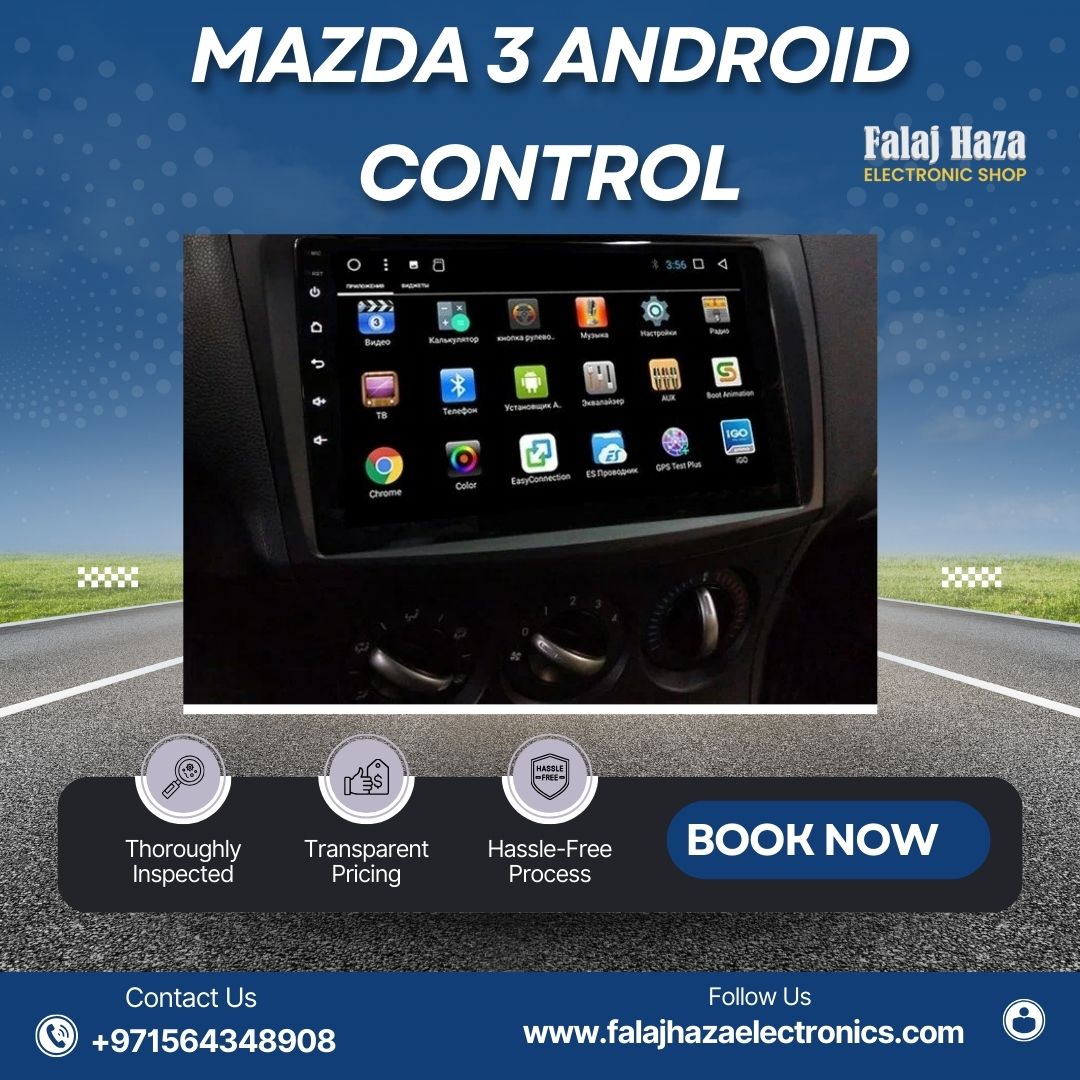
If you own a Mazda 3 and love technology, then Mazda 3 Android Auto is the feature you need. It connects your Android phone to your car’s screen so you can use your favorite apps without touching your phone. You can play music, use Google Maps, make calls, or reply to messages – all from your car’s touchscreen or with your voice. This makes driving safer, easier, and more fun.
In today’s busy world, staying connected is important, but safety comes first. That’s why Android Auto is a game-changer for Mazda 3 owners. It lets you focus on the road while still enjoying your favorite apps.
Why Mazda 3 Android Auto is a Must-Have
Driving in the UAE can be fast-paced, especially in cities like Dubai, Abu Dhabi, and Sharjah. With Mazda 3 Android screen, you don’t have to look at your phone while driving. Everything appears on your car’s display, and you can control it with buttons on your steering wheel or by speaking.
You can open Google Maps for navigation, listen to your favorite songs on Spotify, or even reply to WhatsApp messages – all without picking up your phone. This means more safety for you and everyone on the road.
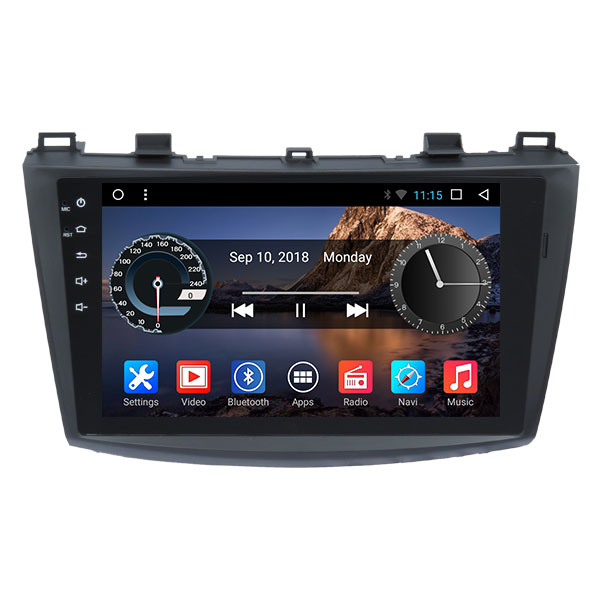
Features You Get with Mazda 3 Android Auto
When you use Android Auto in your Mazda 3, you enjoy many smart features that make driving more enjoyable:
- Music Streaming – Play songs from Spotify, YouTube Music, or any music app.
- Google Maps & Waze Navigation – Get live traffic updates and the fastest routes.
- Hands-Free Calling – Make or receive calls without touching your phone.
- Voice Commands – Say “Hey Google” to control apps and settings.
- Messaging – Listen to and reply to messages with your voice.
These features make your Mazda 3 feel like a modern smart car, even if it’s an older model.
How to Get Android Auto in Your Mazda 3
Many newer Mazda 3 models already come with Android Auto built in. But if your car doesn’t have it, you can still get it by upgrading your head unit or installing an Android screen.
In the UAE, many car electronics shops offer Android Auto installation for Mazda 3. The process is simple, and once installed, your car will have a large, clear touchscreen with all the Android Auto functions you need.
Benefits of Using Android Auto in the UAE
Driving in the UAE often means long drives, whether you’re going to work, visiting friends, or taking a weekend trip. With Mazda 3 Android head unit, you can easily follow GPS navigation without holding your phone. You can also enjoy your favorite playlists during desert road trips or while driving along the beautiful Abu Dhabi Corniche.
Another big benefit is safety. Roads in Dubai and Sharjah can be busy, so keeping your hands on the wheel and eyes on the road is important. Android Auto helps you do exactly that.
Tips for the Best Android Auto Experience
To get the most out of Mazda 3 Android Auto, make sure you:
- Keep your phone’s Android Auto app updated.
- Use a high-quality USB cable or wireless adapter for smooth connection.
- Organize your favorite apps for quick access.
- Learn a few useful Google Assistant commands to save time.
By following these tips, you can enjoy a smooth and safe driving experience every day.
FAQs
Q1: Does my Mazda 3 have Android Auto?
If your Mazda 3 is a recent model, it may already have Android Auto built in. Older models may require a head unit or screen upgrade to use it.
Q2: Can I add Android Auto to an older Mazda 3?
Yes, you can install Android Auto in an older Mazda 3 by upgrading the multimedia system or adding an Android touchscreen.
Q3: Is Android Auto better than using my phone directly?
Yes, Android Auto is safer because it lets you control your apps through your car’s screen or voice commands without touching your phone.
Q4: How much does it cost to install Android Auto in a Mazda 3 in UAE?
Prices in the UAE start from around AED 800 for basic units and can go up to AED 2,000+ for advanced systems with GPS and premium audio.
Q5: Can I use Android Auto without a USB cable?
Some systems support wireless Android Auto, but for the most stable connection, a good USB cable is recommended.
Final Thoughts on Mazda 3 Android screen
If you want to make your Mazda 3 smarter, safer, and more fun to drive, Mazda 3 Android screen is the way to go. It brings your phone’s best apps directly to yourcar’s screen so you can enjoy music, maps, and calls without distraction.
Whether you’re in Dubai traffic or cruising along the highways of Abu Dhabi, Android Auto helps you stay connected while keeping your focus on the road. It’s one of the best upgrades you can get for your Mazda 3 – and once you use it, you’ll wonder how you ever drove without it


